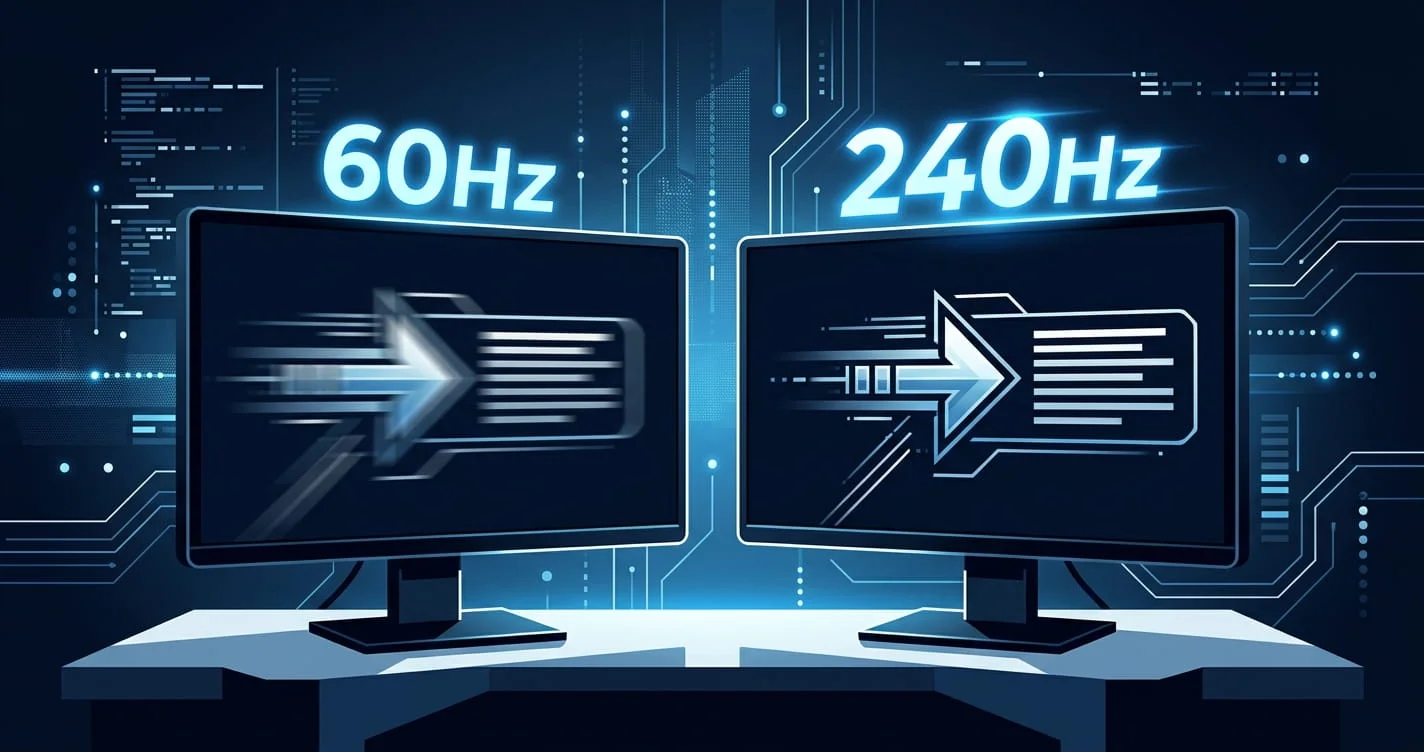
If you have spent any time in gaming communities, you have heard it before: "You need a 144Hz monitor, it literally makes you faster." But is that true? Does plugging in a faster display genuinely change how quickly you can react, or is it mostly marketing speak aimed at convincing you to spend several hundred pounds on a new screen?
The honest answer is: yes, it makes a real difference — but not in the way most people think. Your monitor does not make your brain faster. What it does is remove a chunk of unnecessary delay sitting between your nervous system and the result on screen. Let me explain exactly what is happening.
"A faster monitor does not make your brain quicker. It removes a layer of hardware delay that was slowing your measured reaction time down — and that distinction matters a lot when you are chasing milliseconds."
What Refresh Rate Actually Means
Refresh rate, measured in Hertz (Hz), is simply how many times per second your monitor draws a new image on the screen. A 60Hz monitor redraws the image 60 times every second. A 240Hz monitor does it 240 times.
Why does this matter for reaction time? Because of something called the frame interval — the maximum delay between when your GPU renders a frame and when that frame actually appears on screen.
At 60Hz, a new frame can only appear once every 16.7 milliseconds. At 144Hz, that drops to 6.9ms. At 240Hz, it is 4.2ms. This means if a stimulus — say, an enemy appearing or a box turning green — happens to render just after a frame starts, you might wait nearly the entire frame interval before it physically shows up on your screen.
Up to 16.7ms of display delay before you even see the stimulus. Standard for budget monitors and most laptops.
A significant jump. Visually much smoother and noticeably lower input latency. The sweet spot for most competitive players.
The standard for serious esports. Real but diminishing returns vs 144Hz. Worth it at the top end of competition.
Used by a minority of top professionals. Marginal gains over 240Hz. Expensive and requires serious GPU power.
The Real Numbers: How Much Latency Does Each Refresh Rate Add?
Here is the practical display latency comparison across common refresh rates. These numbers represent the maximum frame delay — the worst case before a stimulus appears on screen after your GPU has rendered it.
Going from 60Hz to 240Hz saves you up to 12.5ms of display latency in the worst case. On average, considering that frames do not always hit at the worst possible moment, the practical average saving is around 6–8ms. That is real, measurable, and matters in competitive play — but it is not the same as your brain becoming faster.
Full System Latency: The Complete Picture
Your monitor is just one part of the input-to-display chain. To get the full picture, you need to add up every source of latency in your setup.
| Latency Source | Typical Range | Notes |
|---|---|---|
| Mouse input lag | 1–8ms | Wired 1000Hz polling ≈ 1ms; wireless can add 3–7ms |
| OS input processing | 1–4ms | Game mode / performance mode helps reduce this |
| Game engine processing | 5–20ms | Varies widely by game and settings; high FPS reduces this |
| GPU render time | 2–10ms | Higher-end GPU and lower settings reduce significantly |
| Monitor display (60Hz) | Up to 16.7ms | Worst case frame interval |
| Monitor display (144Hz) | Up to 6.9ms | Nearly 10ms better than 60Hz |
| Monitor display (240Hz) | Up to 4.2ms | Best widely available option |
| Monitor panel response time | 1–5ms | IPS panels typically 1–4ms GtG; TN even faster but worse colour |
When you add it all up, a budget setup (slow PC, 60Hz monitor, wireless mouse) can have 40–60ms of total system latency before your action even appears on screen. A high-end setup (fast GPU, 240Hz monitor, wired mouse) can cut this to 10–15ms. That is a difference of 30–50ms — larger than many people's entire potential reaction time improvement from months of practice.
Think about it this way If you react in 220ms but your system adds 40ms of hardware latency, your effective in-game reaction time is 260ms. Reduce system latency to 15ms and your effective reaction time is 235ms — without your brain doing anything different. That is why hardware matters in competitive gaming.
How Refresh Rate Affects Online Reaction Time Test Scores
This is something a lot of people find surprising when they first encounter it. If you take the VoltReflex reaction time test on a 60Hz monitor and then again on a 240Hz monitor, you will almost certainly score lower (faster) on the 240Hz screen — even though your brain has not changed at all.
Here is why: the test works by flipping the arena from red to green and recording the time until you click. On a 60Hz monitor, that green colour can only physically appear on your screen once every 16.7ms. If the code fires the colour change 2ms into a frame cycle, you will not see green for another 14.7ms. On a 240Hz monitor, that same scenario costs you only 2.2ms of waiting.
In practice, this means:
- Two people with identical neural reaction times will score differently on the same test if they have different monitors
- Your personal best on a 60Hz screen is artificially limited compared to what you would score on a 240Hz screen
- Always use the same device and monitor when comparing your scores over time — hardware differences make cross-device comparisons unreliable
For VoltReflex users If your scores seem consistently 10–15ms slower than you expect, your monitor's refresh rate may be a significant factor. Try testing at the same time each day on the same device to track genuine neural improvement rather than hardware variation.
60Hz vs 144Hz Is the Upgrade Worth It?
Let me be straightforward here. The jump from 60Hz to 144Hz is one of the most noticeable upgrades you can make to a gaming setup. The difference is not subtle — it is immediately obvious to almost everyone who tries it. Motion looks cleaner, input feels snappier, and you gain around 10ms of display latency advantage in a single hardware swap.
For competitive gaming, especially in fast-paced titles like CS2, Valorant, Apex Legends, or any FPS, a 144Hz monitor is essentially a baseline requirement at this point. Playing on 60Hz in a competitive environment is handing your opponent a genuine time advantage that has nothing to do with their skill or reflexes.
The consensus in the performance gaming research community supports this strongly. extensive monitor testing databaseextensive monitor testing database, which tests hundreds of displays under controlled conditions, consistently shows that higher refresh rate monitors produce measurably lower input latency across real-world gaming scenarios — not just frame math on paper.
144Hz vs 240Hz: Do the Extra Hertz Actually Matter?
This is where the answer gets more nuanced, and where marketing tends to outrun reality a little bit.
The frame interval difference between 144Hz (6.9ms) and 240Hz (4.2ms) is 2.7ms. That is real, but it is small enough that most players — even experienced competitive players — will not perceive it as a dramatic difference in the way the 60Hz to 144Hz upgrade felt.
However, small differences do matter at the highest levels of competition. If you are regularly competing in ranked play at a serious level, or if you are close to a skill ceiling where 3ms is the difference between hitting a shot and missing it, then 240Hz is justified. For casual to mid-level competitive play, the money is often better spent elsewhere — better GPU for more consistent FPS, better peripherals, or simply more practice time.
The honest summary:
- 60Hz → 144Hz: Do it immediately. The difference is large, obvious, and improves gameplay across the board.
- 144Hz → 240Hz: Worthwhile for serious competitive players. Marginal for casual play.
- 240Hz → 360Hz: Very marginal gains. Only makes sense at the professional esports level.
Panel Type Matters Too IPS vs TN vs VA
Refresh rate is not the only display spec that affects perceived reaction time. The panel technology underneath it also plays a role through something called pixel response time — how quickly individual pixels can change from one colour to another.
- TN (Twisted Nematic) Fastest pixel response (1ms or less), but poor colour accuracy and narrow viewing angles. Was the default for esports monitors for years.
- IPS (In-Plane Switching) 1–4ms response time, excellent colour and viewing angles. Now dominant in competitive gaming — the best of both worlds for most players.
- VA (Vertical Alignment) Slower response (4–10ms) with visible ghosting in fast scenes. Higher contrast ratio, but not ideal for competitive FPS.
- OLED Near-instantaneous response (~0.1ms), excellent colour. Still expensive but increasingly available in gaming monitors.
For a competitive setup, the priority order is: high refresh rate first, then fast panel response time. A 240Hz IPS monitor is a significantly better competitive choice than a 240Hz VA monitor, even though both advertise the same Hz.
What Actually Improves Your Brain's Reaction Time?
A faster monitor reduces the hardware delay between stimulus and screen — but it cannot change how quickly your visual cortex processes what it sees or how fast your motor cortex fires a response. Those are biological processes, and they are what you actually train when you work on reaction time.
If you are serious about improving your actual neural reaction speed — not just your hardware-adjusted score — the most effective approaches are consistent daily practice, quality sleep, aerobic exercise, and staying hydrated. We cover all of these in detail in our full guide: 10 Science-Backed Ways to Improve Your Reaction Time.
The right way to think about it is this: optimise your hardware to remove artificial delay, then train your biology to be as fast as it can within those ideal conditions. Both matter. Neither alone is enough.
For peer-reviewed data on display latency measurement methodology and how frame timing affects human perception in gaming contexts, USENIX.org's research on gaming latency perception provides an accessible academic reference published by the USENIX Association — a respected non-profit computing research organisation.
Frequently Asked Questions
Does a higher refresh rate monitor improve reaction time?
Is 144Hz good enough for competitive gaming?
How much faster is 240Hz than 60Hz for reaction time?
Does refresh rate affect online reaction time test scores?
What refresh rate do pro gamers use?
The Bottom Line
Yes, your monitor's refresh rate genuinely affects how fast you can react in games and how you score on reaction time tests. But it does not change your biology — it changes your hardware. A 240Hz monitor removes a layer of delay that was sitting between your nervous system and the screen, and that removal is real and measurable.
If you are on a 60Hz monitor and you care about competitive gaming or accurate reaction time measurement, upgrading to 144Hz or 240Hz is one of the highest-value hardware investments you can make. Just do not expect it to magically turn you into a pro gamer — the rest of the work is still in training, sleep, and practice.
Want to see how your current setup affects your score? Take the free VoltReflex reaction time test and note your monitor's Hz. Then come back after any hardware changes to see the difference in real milliseconds.